Quick summary
Summarize this blog with AI
In today’s data-driven world, the ability to analyze and derive insights from data has become a crucial skill for businesses and individuals alike. However, not everyone possesses coding expertise or the time to learn complex programming languages.
The good news is that there are powerful, user-friendly, no-code data analytics tools available that can help anyone harness the power of data analysis. In this article, we will explore the top 5 no-code data analytics tools that can help you unlock valuable insights without the need for any programming experience.
Tableau
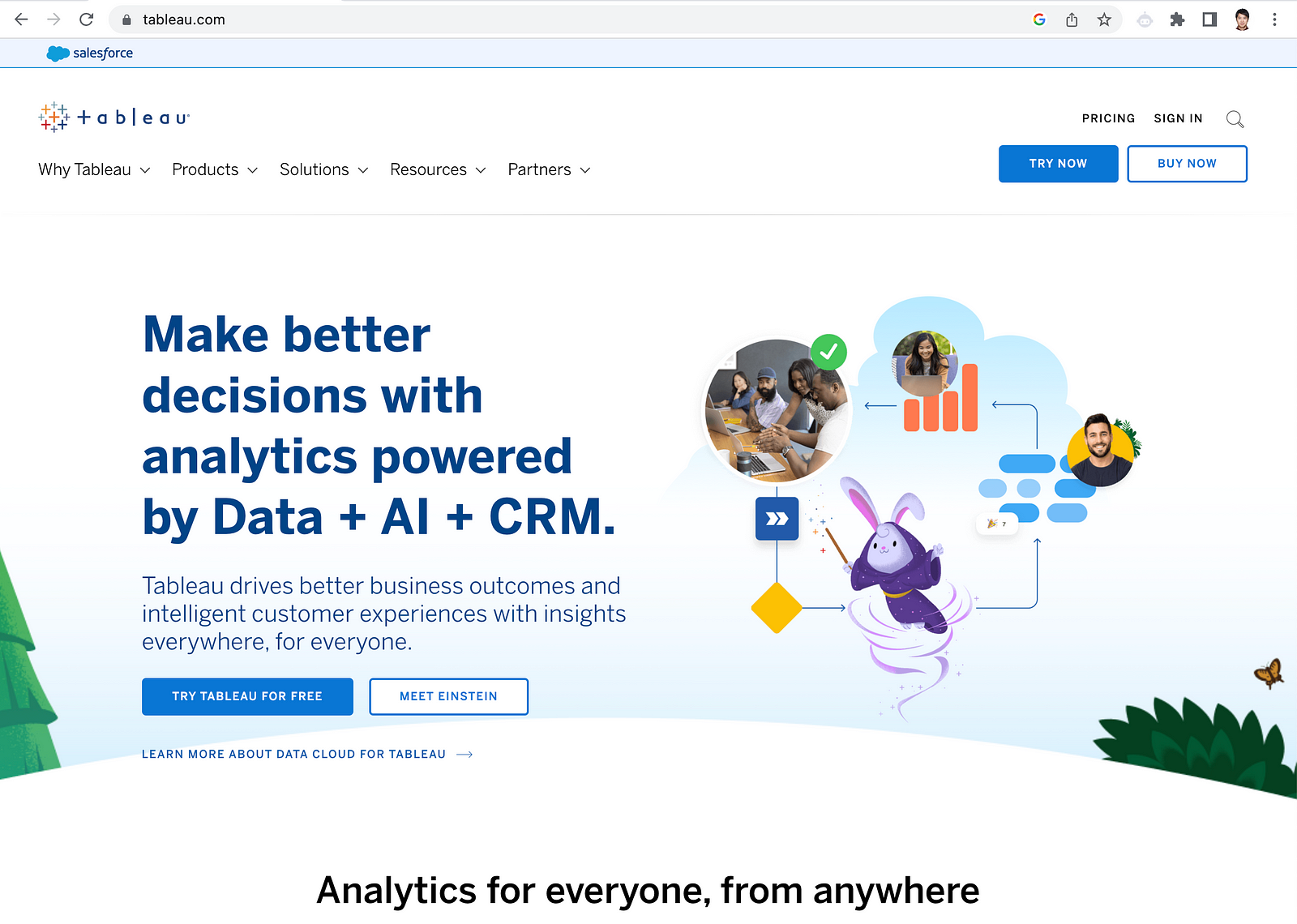
Tableau is a market-leading data visualization tool that helps users create stunning visualizations and interactive dashboards. With its user-friendly interface and powerful analytics capabilities, Tableau allows even non-technical users to perform advanced data analysis and create insightful reports.
Key Features:
- Intuitive drag-and-drop interface
- Wide range of visualization options
- Connection to numerous data sources, including cloud-based services
- Support for custom calculations and expressions
- Robust online community and extensive learning resources
Pros:
- Intuitive and user-friendly interface
- Wide range of visualization options
- Robust online community and extensive learning resources
- Advanced analytics capabilities
Cons:
- Can be expensive for small businesses or individual users
- Less seamless integration with non-Tableau products
Microsoft Power BI
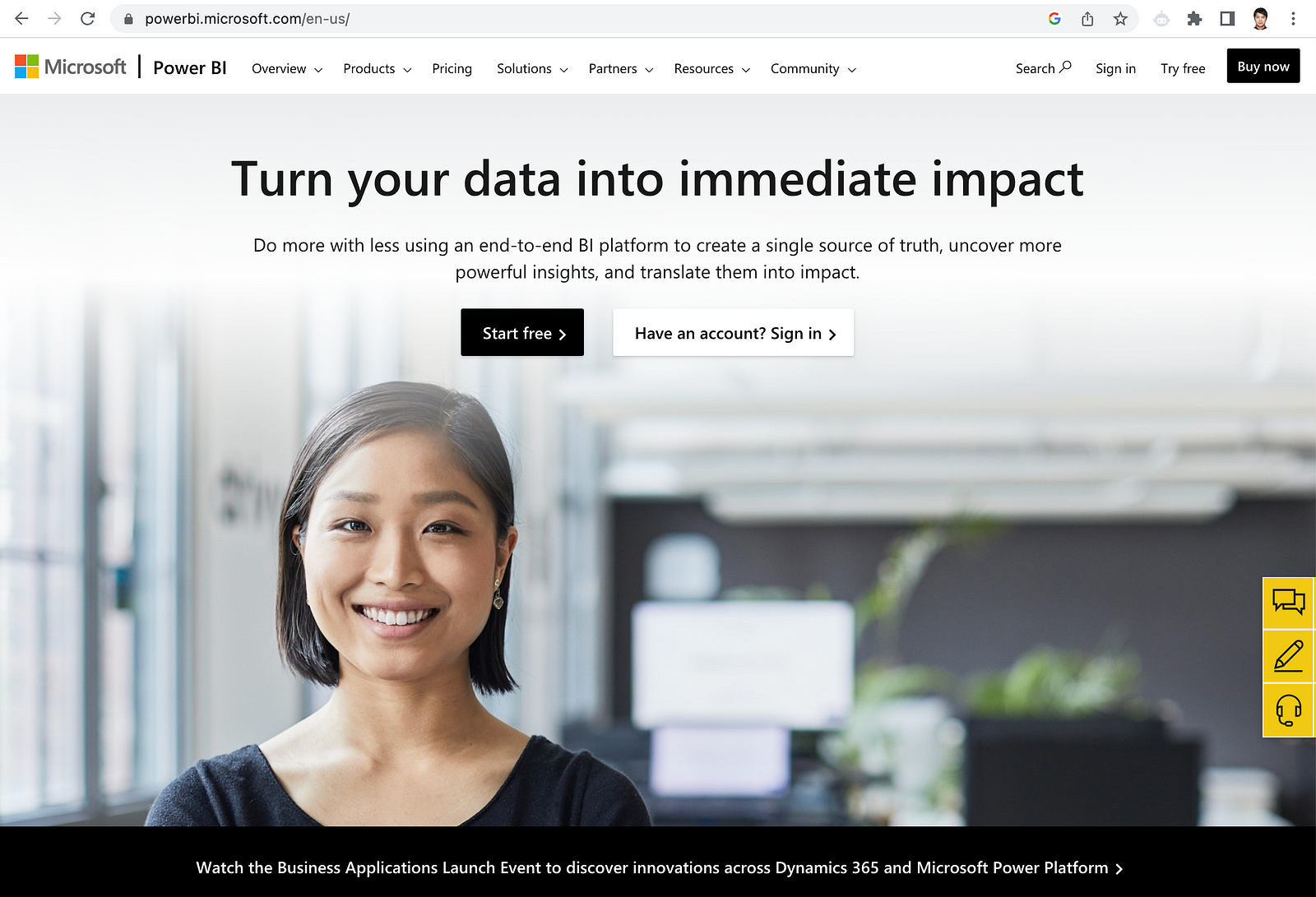
Microsoft Power BI is a popular data visualization and business intelligence tool that allows users to create interactive dashboards and reports without any coding knowledge. With its intuitive drag-and-drop interface, Power BI enables users to connect to various data sources, clean and transform data, and build visually appealing reports and dashboards.
Key Features:
- Seamless integration with other Microsoft products and services
- Support for custom visuals and extensions
- Availability of a large online community and resources
- Compatibility with a wide range of data sources
Pros:
- Seamless integration with other Microsoft products and services
- Wide range of custom visuals and extensions available
- Large online community and resources for learning and support
- Affordable pricing options, including a free version
Cons:
- Limited advanced analytics capabilities compared to some competitors
- Performance can suffer when handling very large data sets
Google Data Studio
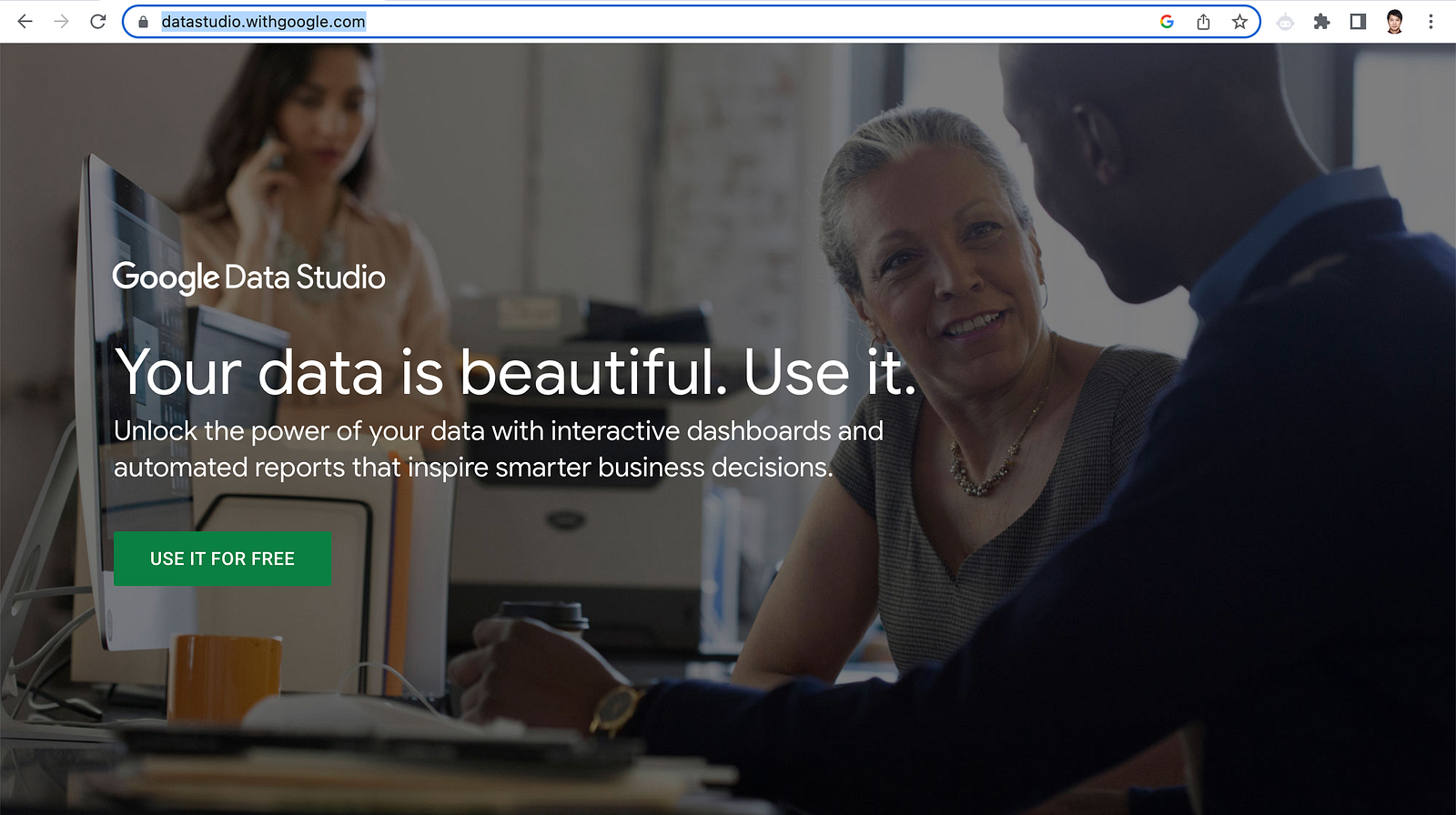
Google Data Studio is a free, web-based data visualization and reporting tool from Google that allows users to create interactive, customizable dashboards and reports. With its simple interface and seamless integration with other Google products, Data Studio is an excellent choice for those who want to analyze and visualize their data quickly and easily.
Key Features:
- Integration with Google Analytics, Google Sheets, and other Google services
- Pre-built data connectors for various data sources
- Customizable and shareable dashboards
- Real-time collaboration capabilities
- Wide range of visualization options, including maps and time series
Pros:
- Free to use
- Integration with Google Analytics, Google Sheets, and other Google services
- Real-time collaboration capabilities
- Regular updates and improvements from Google
Cons:
- Limited advanced analytics and customization options compared to some competitors
- Relatively fewer data connectors available
Qlik Sense
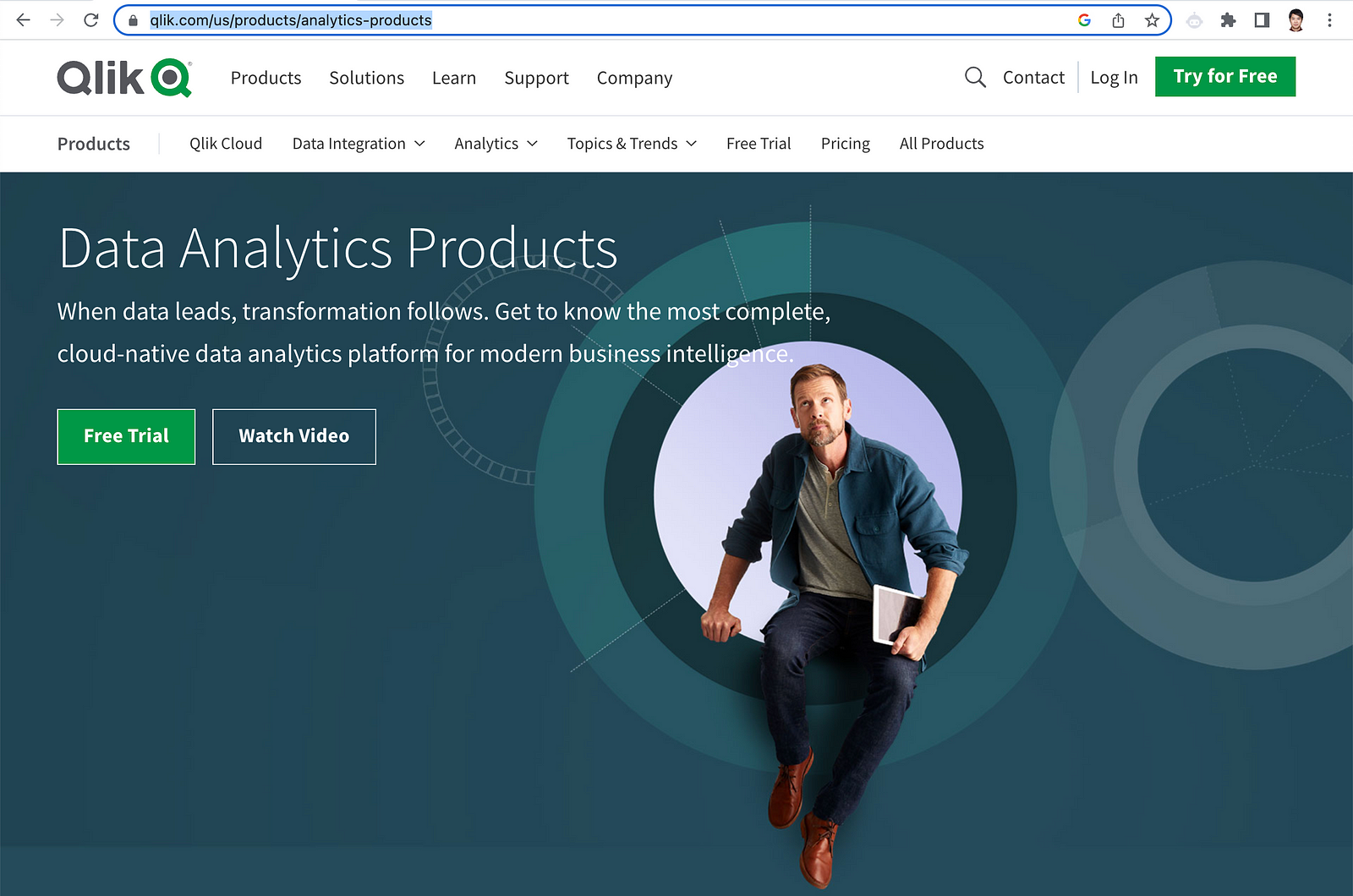
Qlik Sense is a self-service data analytics and visualization tool that allows users to create interactive, responsive dashboards and reports. With its unique associative engine, Qlik Sense helps users explore their data, uncover hidden insights, and make data-driven decisions.
Key Features:
- Associative data engine for intuitive data exploration
- Drag-and-drop interface for easy dashboard creation
- Wide range of visualization options, including custom visuals
- Integration with a variety of data sources, including web-based APIs
- Robust security and governance features
Pros:
- Unique associative data engine for intuitive data exploration
- Robust security and governance features
- Wide range of visualization options, including custom visuals
- Scalable architecture for handling large data sets
Cons:
- Steeper learning curve compared to some other no-code tools
- Can be expensive for smaller organizations or individual users
Sisense
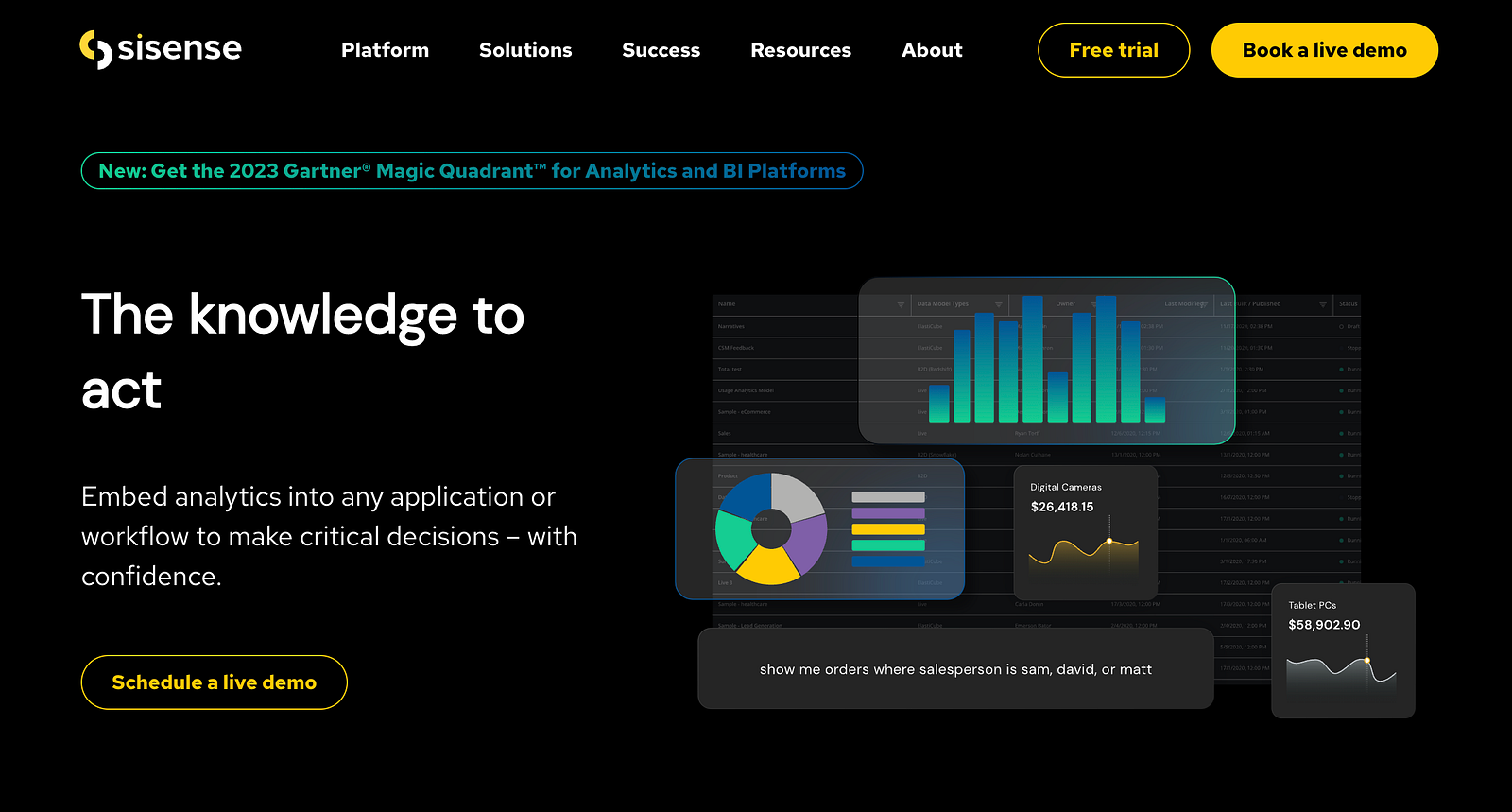
Sisense is a powerful business intelligence and data analytics tool that allows users to combine, analyze, and visualize data from multiple sources without any coding expertise. With its user-friendly interface, Sisense enables users to create interactive dashboards, generate reports, and derive insights to make data-driven decisions.
Key Features:
- Support for complex data models and large data sets
- In-chip technology for faster processing and analysis
- Integration with popular cloud services and data sources
- Extensive customization options for visuals and reports
- Collaboration features and role-based access control
Pros:
- Support for complex data models and large data sets
- In-chip technology for faster processing and analysis
- Extensive customization options for visuals and reports
- Embedded analytics capabilities for integration into other applications
Cons:
- Steeper learning curve compared to some competitors
- Pricing may be prohibitive for small businesses or individual users
skills.ai

Skills.ai is an AI-powered, no-code data analytics tool that allows users to analyze and visualize their data easily and efficiently. With its cutting-edge artificial intelligence capabilities, Skills.ai streamlines the process of data analysis, enabling users to focus on gaining insights and making data-driven decisions without worrying about complex coding or data manipulation.
Key Features:
- Automated coding and in-browser code execution without the need to install anything
- AI-powered analytics for automated data processing and analysis
- Advanced natural language processing (NLP) capabilities for easy data querying
- Report and keynote creation for easy sharing and presentation.
- Extensive library of visualization options and customizations.
Pros:
- Easy to use — as simple as upload a csv data file.
- Deeply integration with AI for automation.
- Great deliverables for marketers such as report and keynote slides that are ready to use.
Cons:
- Relatively new to the market compared to some competitors
- Limited community resources and support compared to more established tools
Oracle OBIEE

Oracle OBIEE (Oracle Business Intelligence Enterprise Edition) is a comprehensive business intelligence and data analytics platform that offers powerful, no-code capabilities for users to analyze and visualize their data. With its robust features, Oracle OBIEE enables users to create interactive dashboards, generate insightful reports, and make data-driven decisions without needing any coding expertise.
Key Features:
- Comprehensive suite of business intelligence and analytics tools
- Intuitive drag-and-drop interface for dashboard and report creation
- Integration with a wide range of data sources, including Oracle databases and cloud services
- Advanced data modeling and transformation capabilities
- Extensive library of visualization options and customizations
- Scalable architecture for handling large data sets and complex analytics
Pros:
- Comprehensive suite of business intelligence and analytics tools
- Scalable architecture for handling large data sets and complex analytics
- Advanced data modeling and transformation capabilities
- Strong support and resources from Oracle
Cons:
- Can be expensive for small businesses or individual users
- Less user-friendly interface compared to some competitors
Recap
The rise of no-code data analytics tools has democratized data analysis and made it accessible to everyone, regardless of their coding skills. Whether you are a small business owner, a marketing analyst, or a data enthusiast, these no-code data analytics tools can help you turn raw data into actionable insights and make better decisions.
Explore these tools to unlock the full potential of data analytics and empower your organization with data-driven decision-making.