You asked, ... and we delivered 😃
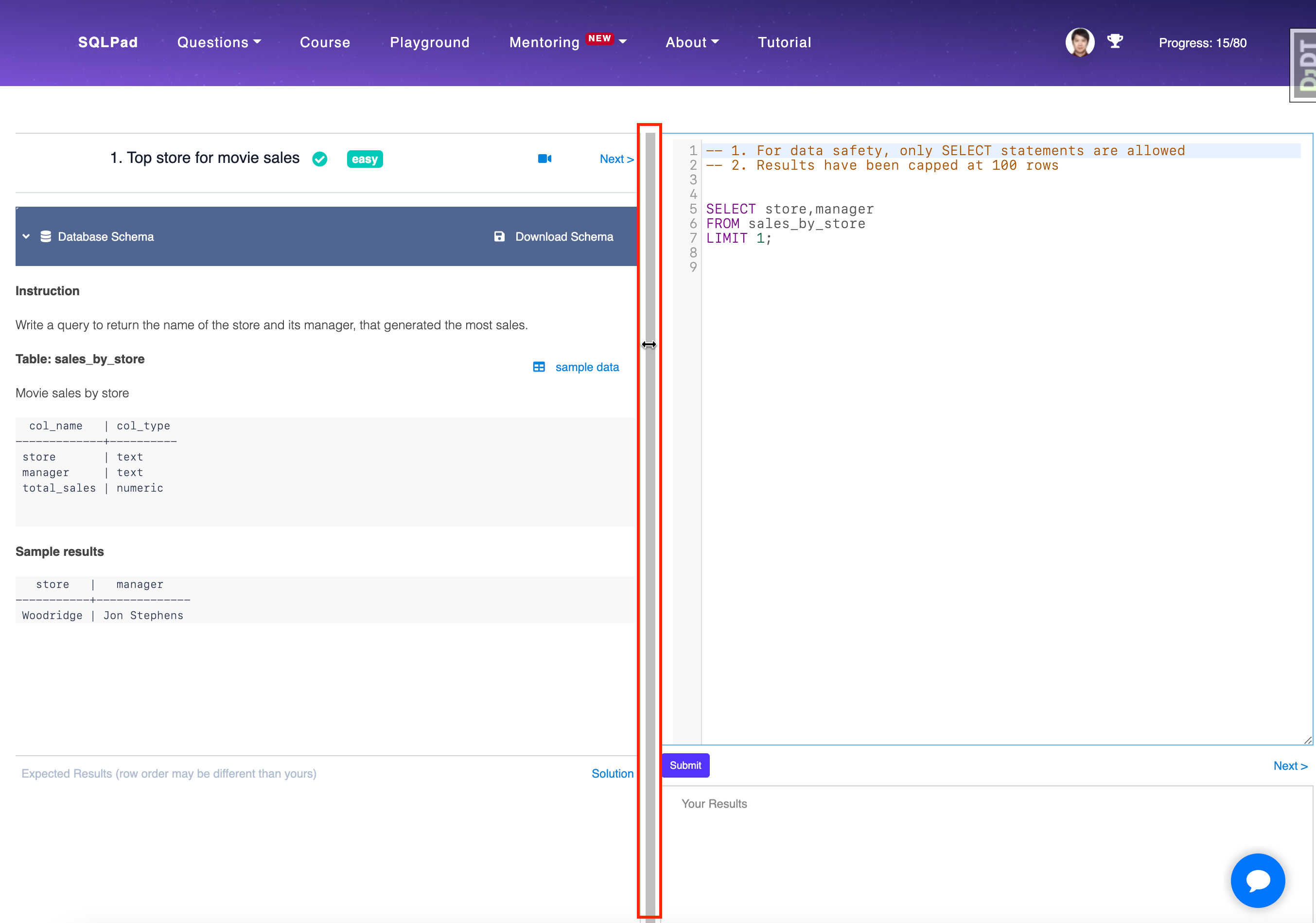
You can now resize the code editor window horizontally by simply dragging a vertical bar in the middle.
The minimum and maximum width of the left sidebar (including question panel and expected results panel) have been set as 25% and 50%, respectively, so you never have to worry about accidentally making it too big or too small.
We hope you enjoy this new feature and if you have any product suggestions or feedback, please don't hesitate to let us know.